

Motion Stitch 2.1
What’s new in 2.1
Brightness control
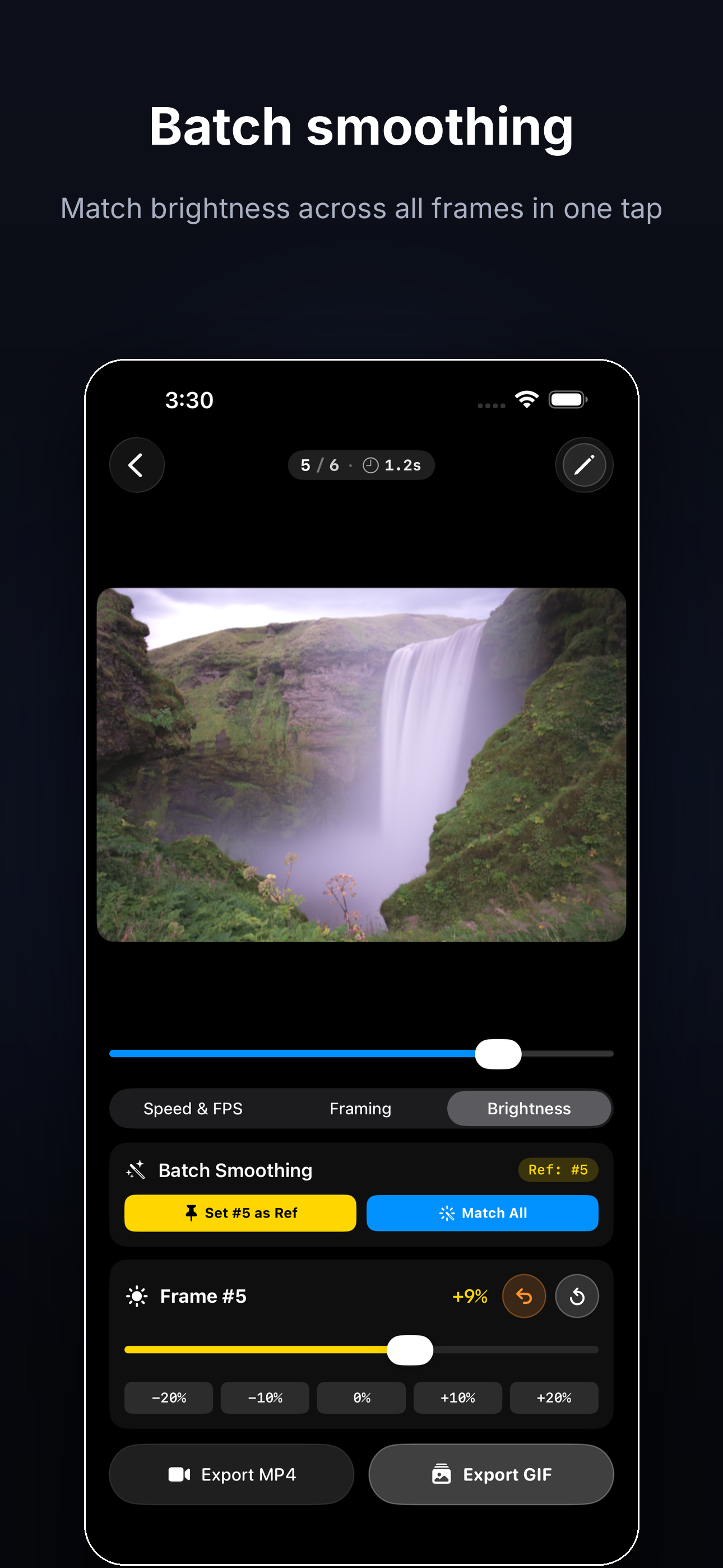
Adjust the brightness of individual frames right in the editor. If lighting changes between shots, you can now smooth it out so the final timelapse looks even and cinematic.
3-day free trial on the weekly plan
New paywall offer: try Motion Stitch free for 3 days with the weekly subscription.
Updated translations
Paywall and UI copy refreshed across supported locales.
Fixes
Bug fixes and stability improvements.
A/B test: English storefront
New screenshot set (Product Page Optimization)
Launched a PPO experiment for the English region testing a completely redesigned set of 7 screenshots, built around the user’s result rather than features:
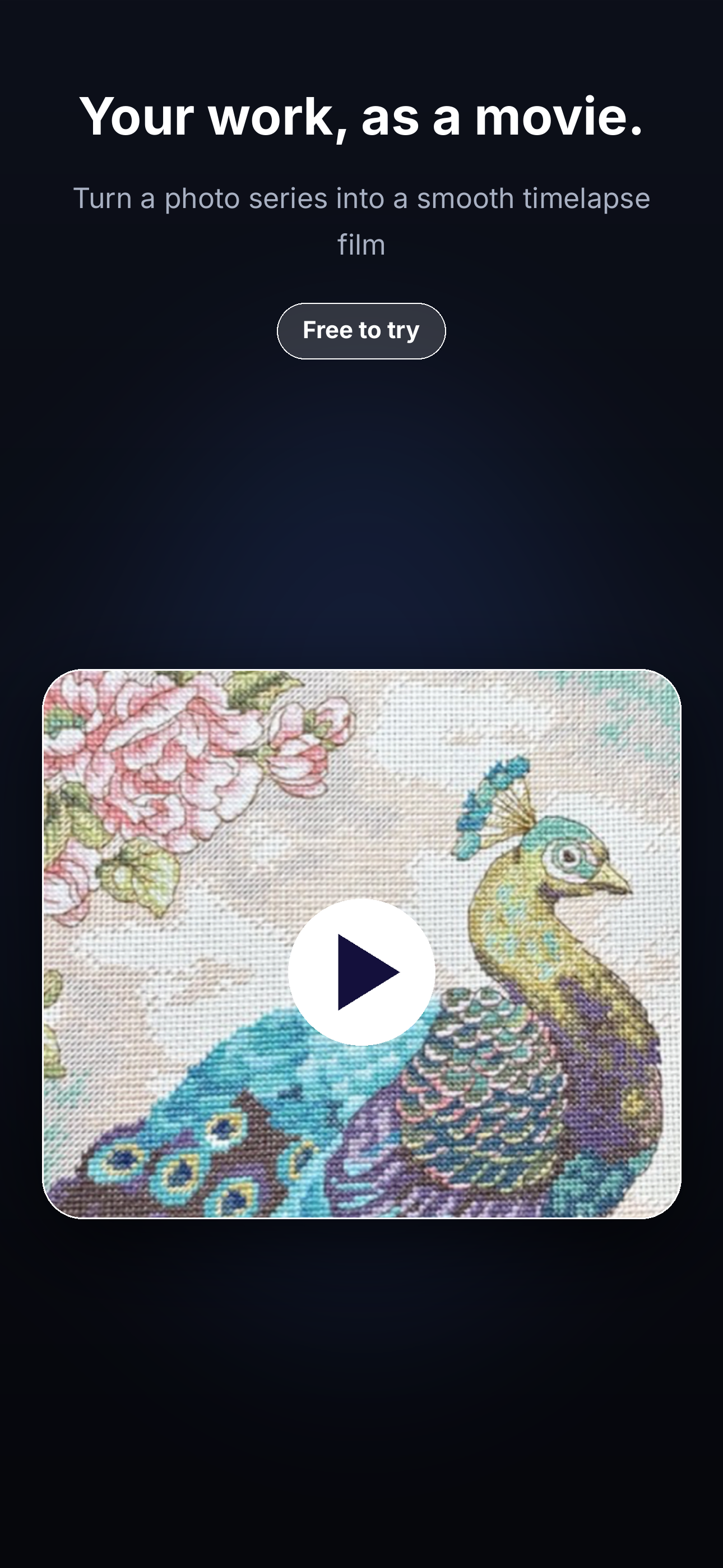
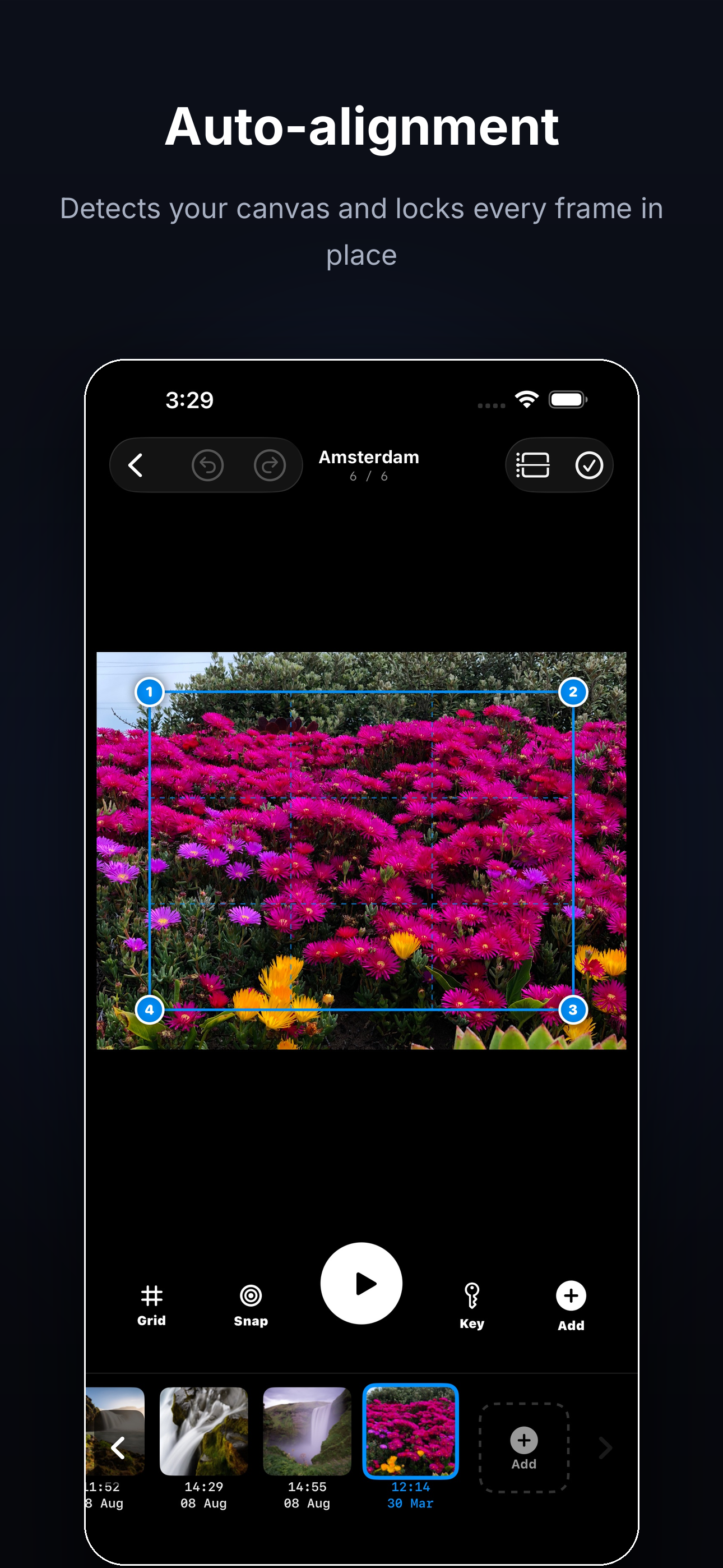
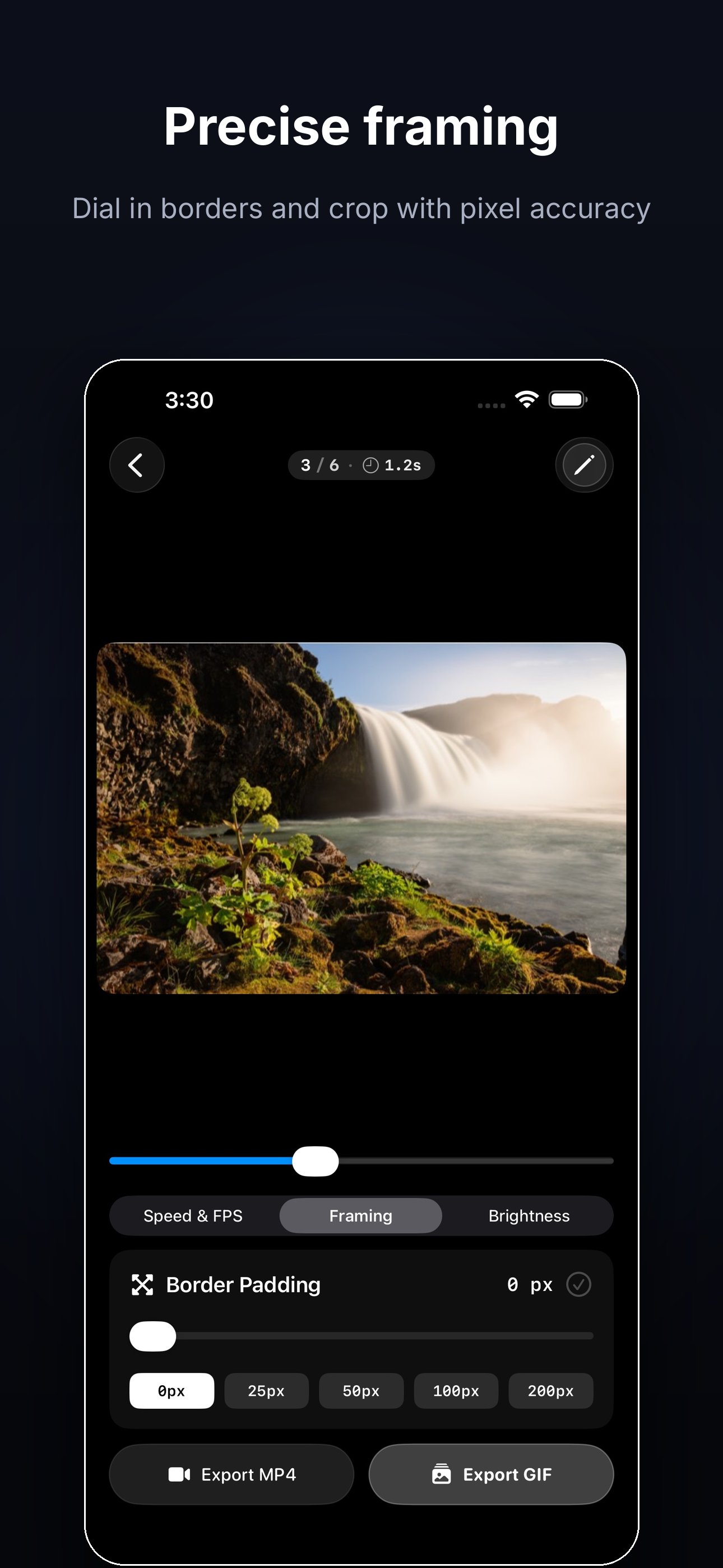
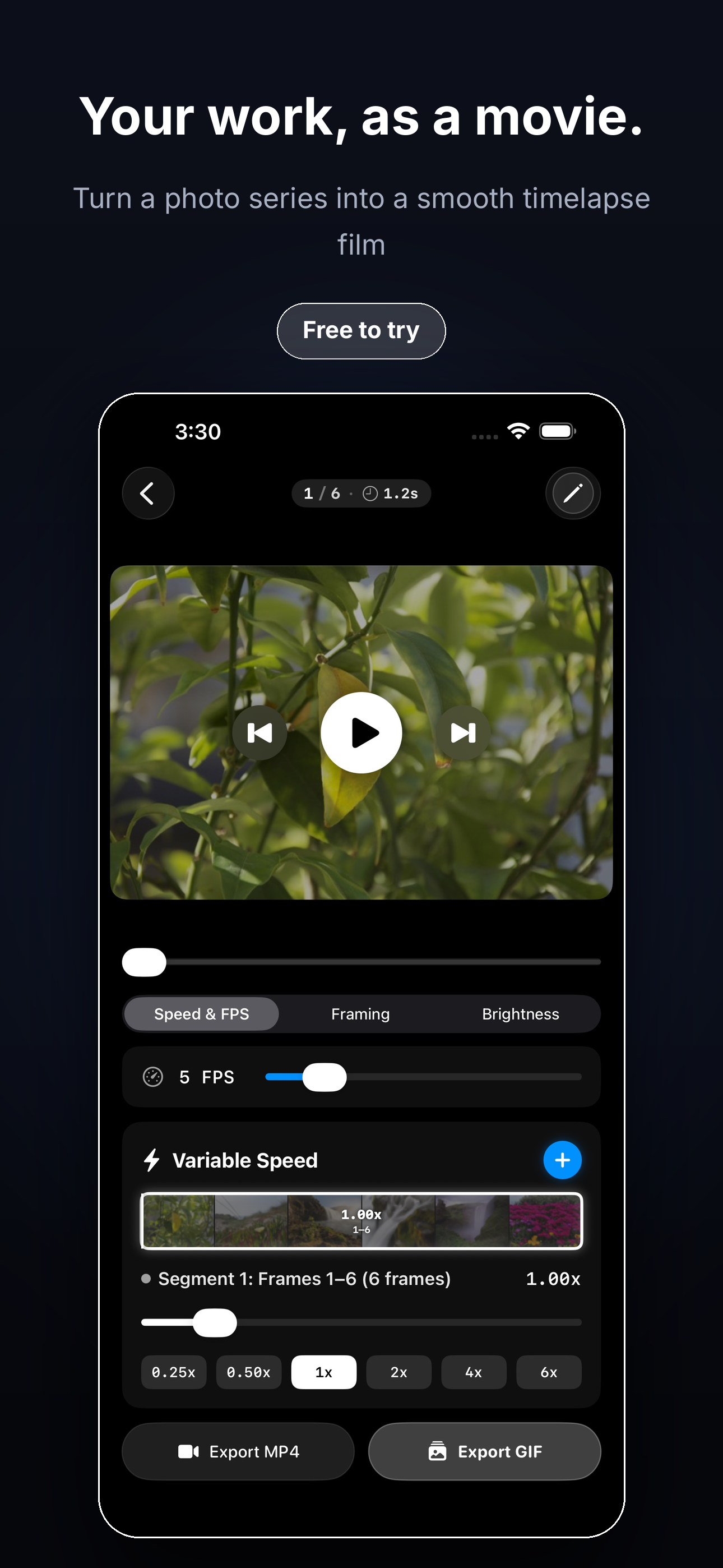
- Hero — “Your work, as a movie.” (Free to try), embroidery cross-stitch variant to match the cross-stitch audience and Broderie keyword traffic
- Auto-alignment — detects the canvas and locks every frame in place
- Precise framing — borders and crop with pixel accuracy
- Batch smoothing — match brightness across all frames in one tap
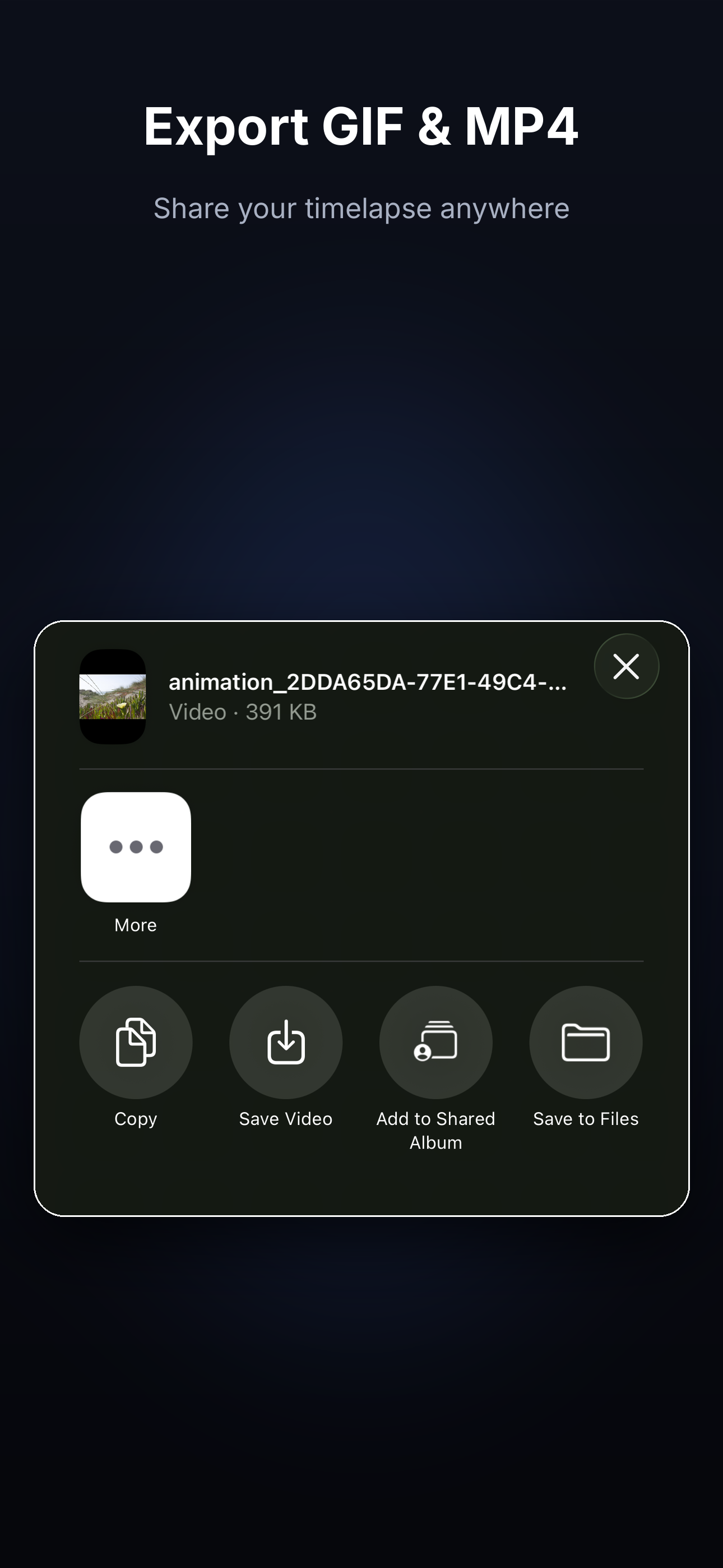
- Export GIF & MP4 — share the timelapse anywhere
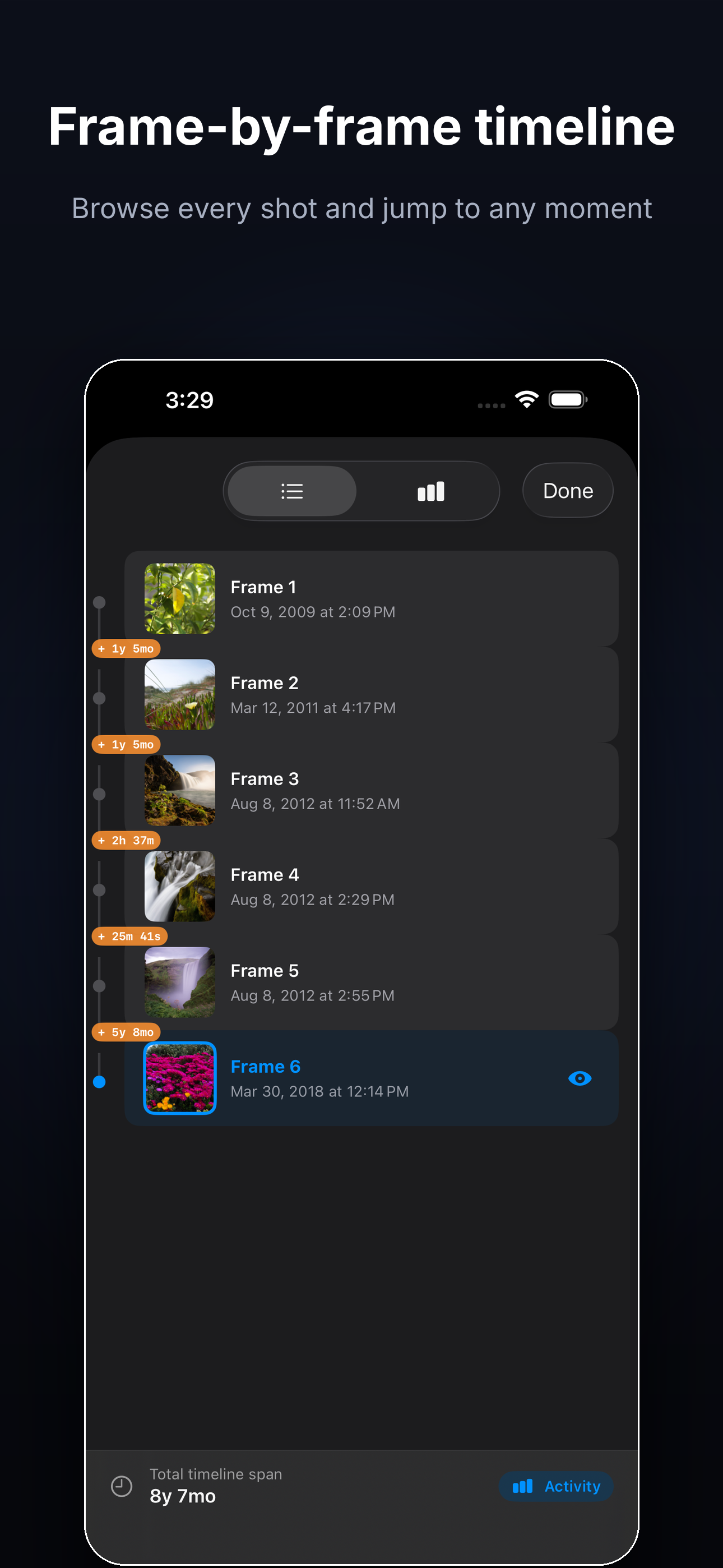
- Frame-by-frame timeline — browse every shot, jump to any moment
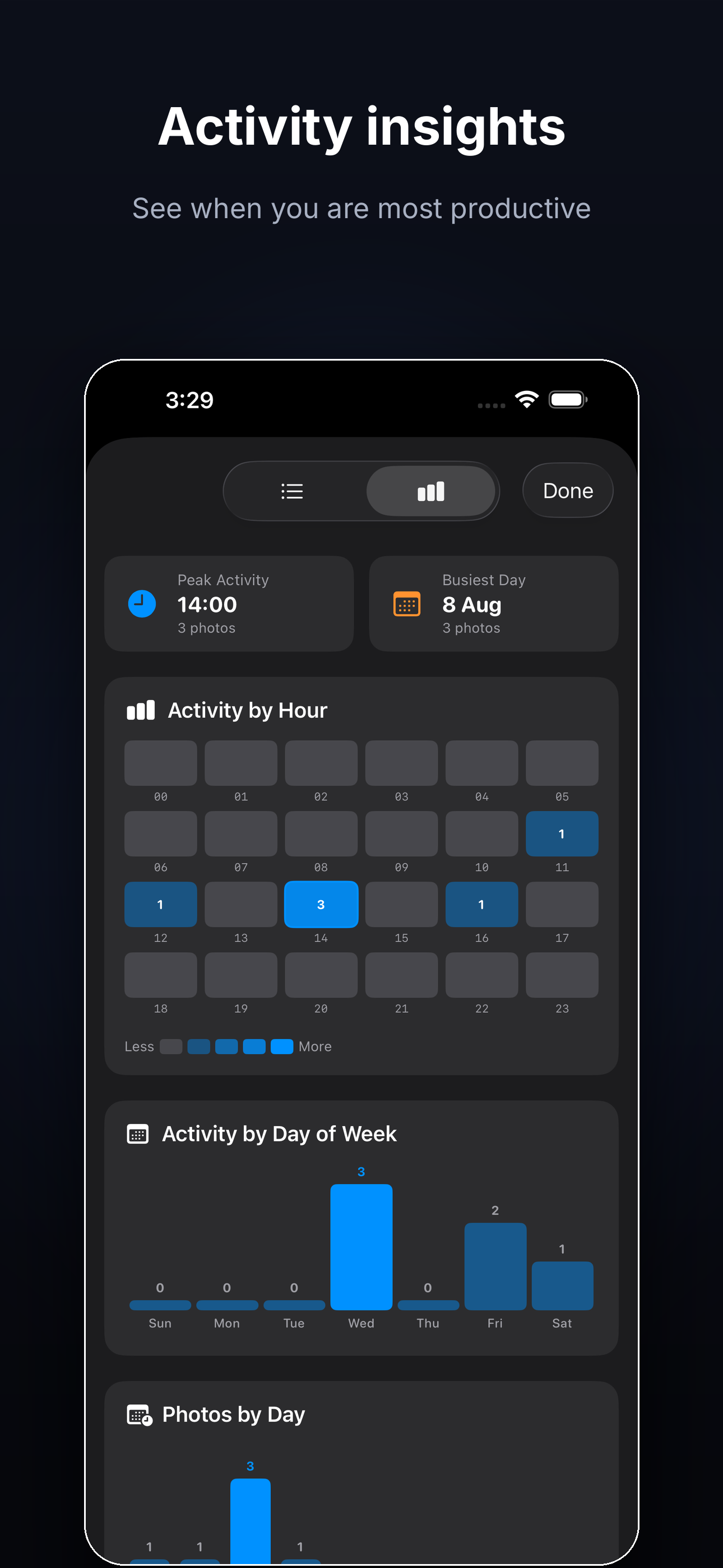
- Activity insights — see when you are most productive
Header & Search Results media images
Testing Apple’s new creative-asset slots for the first time — three design variants each (all committed in the repo under docs/screenshots/):
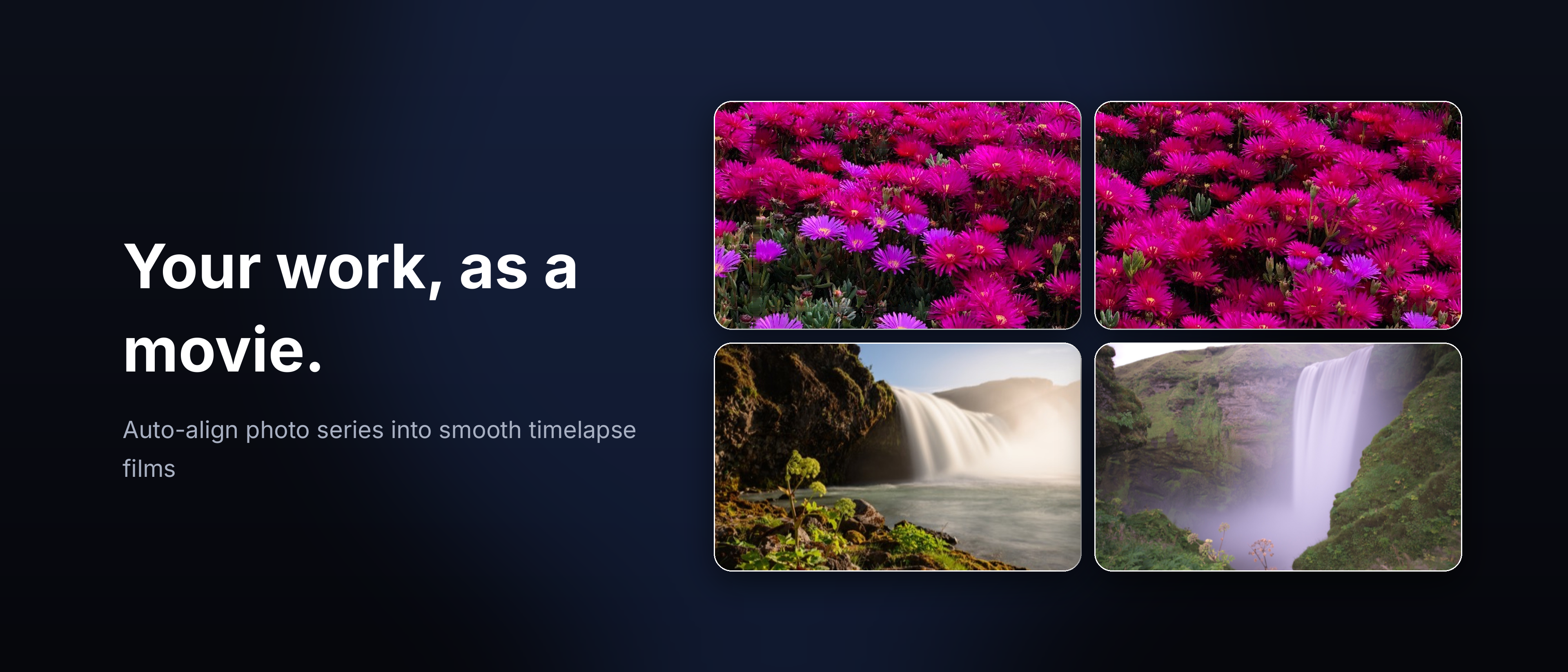
Header (3840x1646) — v1: clean icon + headline; v2: “Your work, as a movie.” + 2x2 photo grid; v3: “Stitch your story, frame by frame.” + filmstrip band:
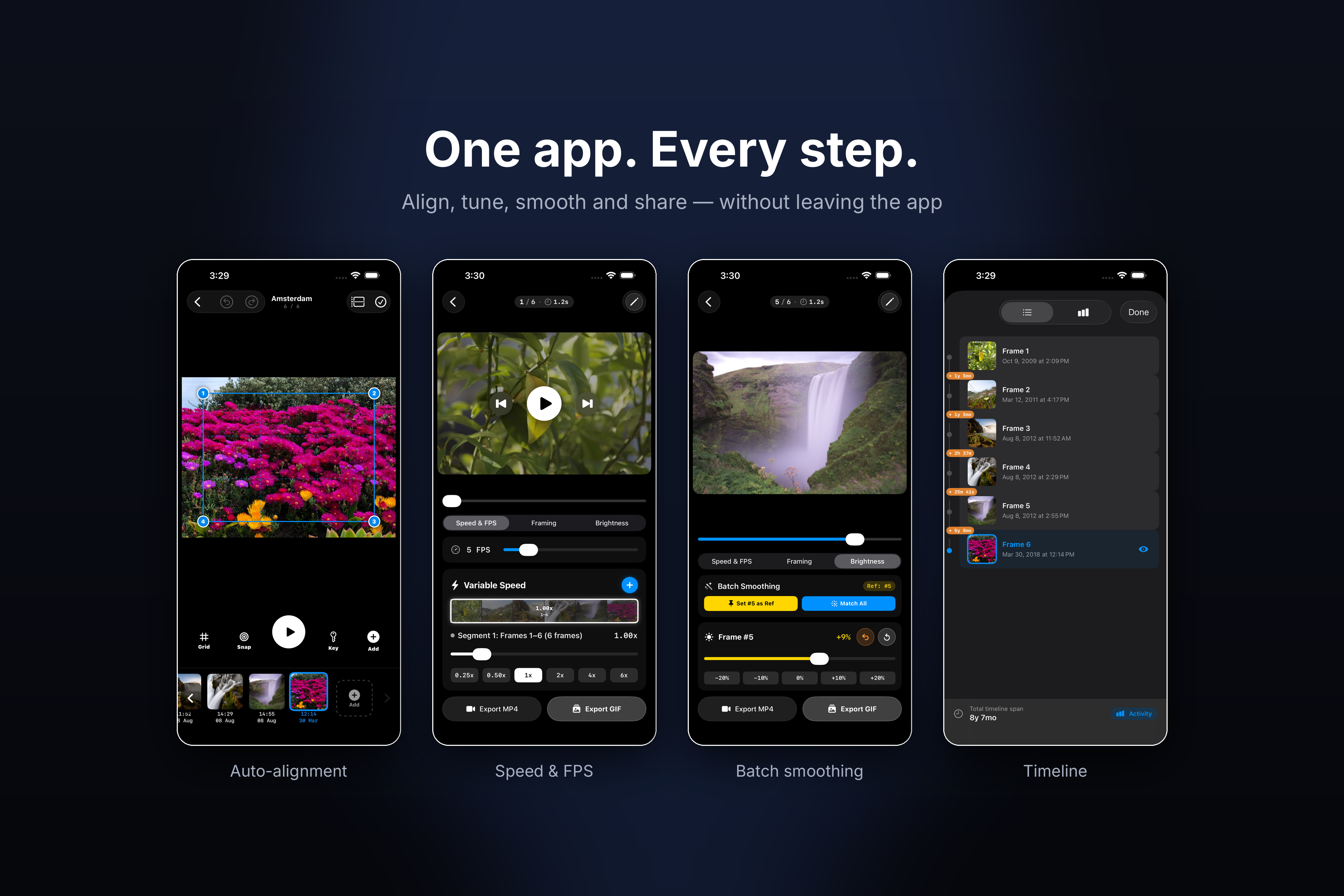
Search Results (3840x2560) — v1: “Photos in. Timelapse out.” + single phone; v2: three phones (alignment / speed / brightness); v3: “One app. Every step.” + four phones with captions:
Assets run through App Store review independently of the binary and can be A/B-tested via PPO like the screenshots.