
Opa! Bilingual Book Reader v1.1
Opa! Bilingual Book Reader v1.1 is now available on the App Store.
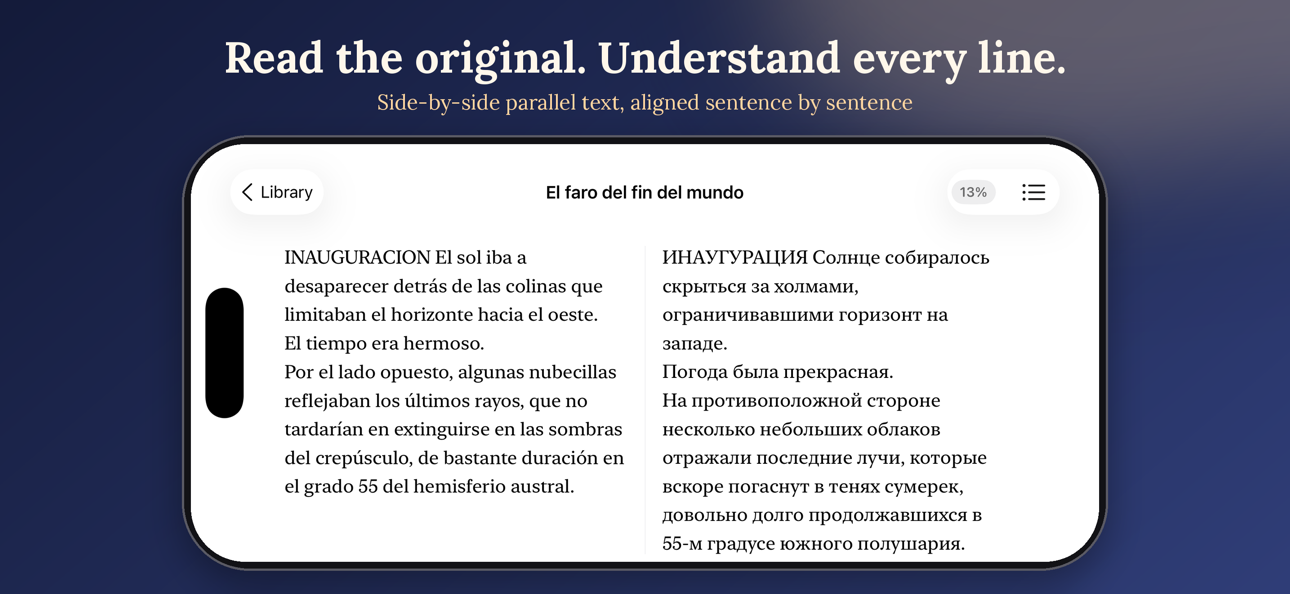
Read world literature in original languages with seamless side-by-side translation. Version 1.1 adds Opa! Premium, a faster on-demand translation engine, infinite chapter scrolling, and deep reading customization.
What’s new in 1.1
Opa! Premium
- Monthly and yearly subscriptions via StoreKit 2
- Free tier: 50 sentence reveals per month, with a live counter in Settings and a quota card in the reader toolbar
- When the free quota runs out, upgrade right from the reader
- Premium removes the blur over translations — read the full translated text with zero taps
Translation engine
- On-demand translation: tap any word and only that sentence is translated — no more pre-translating whole chapters while you scroll
- Double-tap a blurred paragraph to translate the entire paragraph at once
- Long-press a sentence to translate the phrase
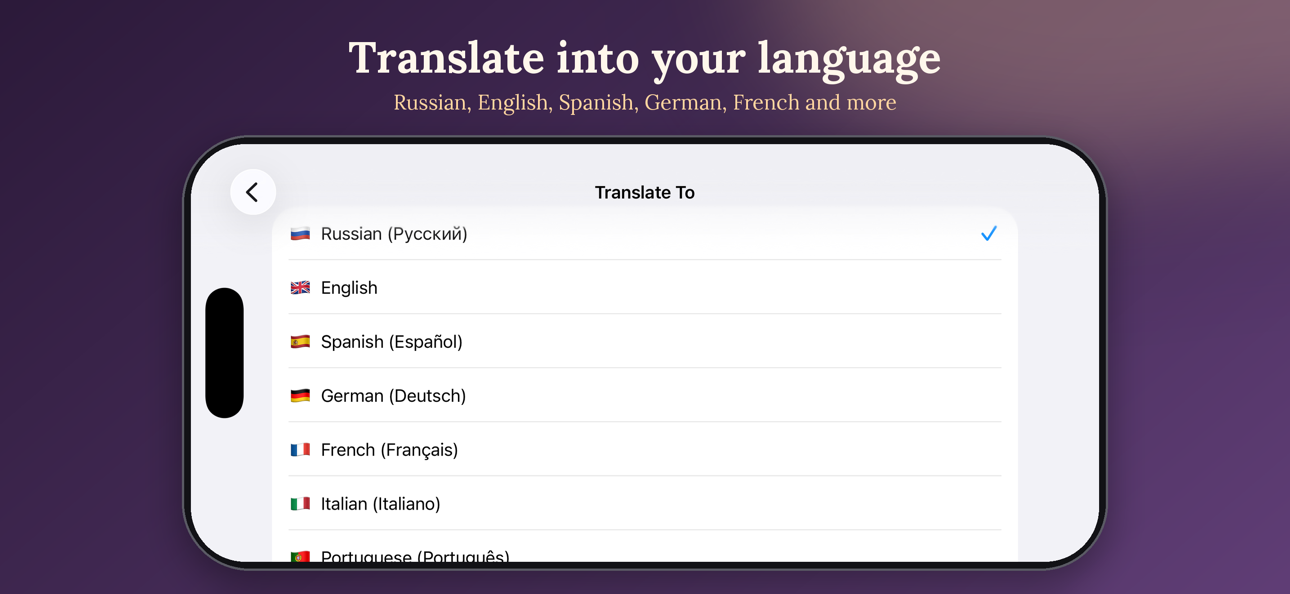
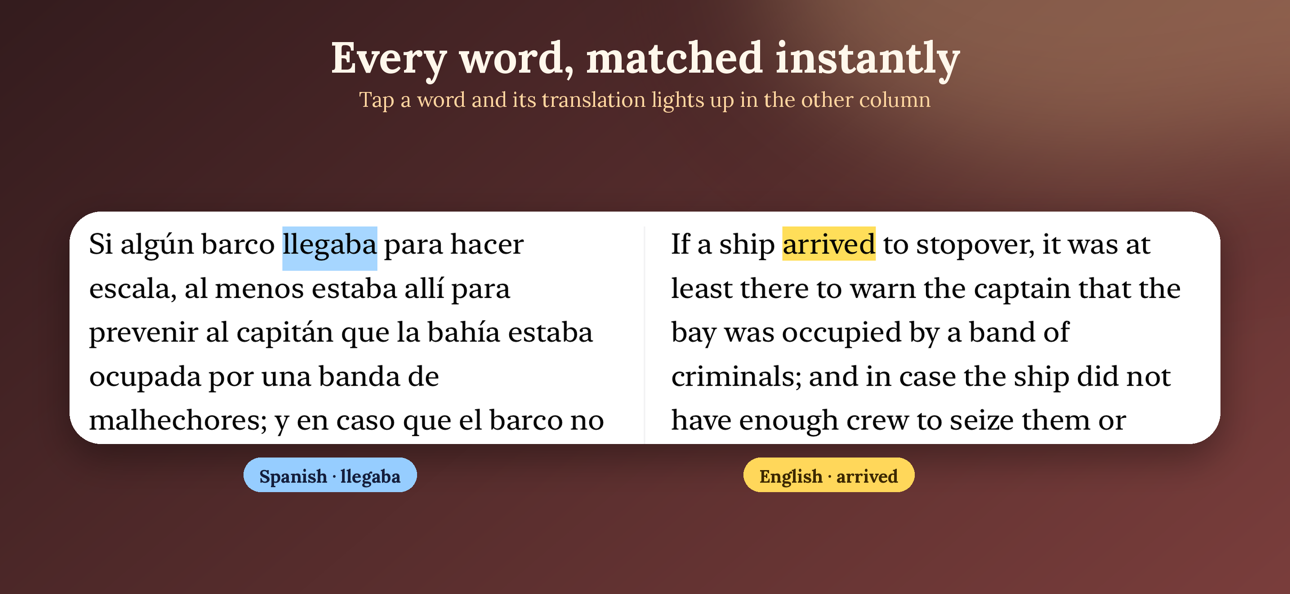
- Precise word alignment: tap a word and its exact translation lights up in the other column (two-pass matching with stemming, tuned for Russian morphology)
- Translation provider switched to Gemini for higher quality, Google Translate stays as fallback
Reader
- Infinite scroll between chapters: the next chapter loads automatically at the end, the previous one at the top
- Swap columns: put the original on the right and the translation on the left, or vice versa
- Bottom toolbar for quick access while reading
- Reading position is saved precisely — reopen a book exactly where you left off
- Split mode / read-only mode toggle
- Portrait mode, plus auto-rotate to landscape with a manual override in Settings
- Fixed: word highlight on the translation side no longer gets stuck on long-press; swipe gestures fixed
Reading settings
- New reading panel: brightness, page theme (white / sepia / black), font family and size, line spacing, side margins
- App-wide theme: System, White, Sepia, Black — sepia now applies across the whole app
- Dark mode polish fixes
Also in this release: the free-quota card is now a centered overlay that hugs its content, and translation-marker cleanup for books translated in earlier versions.